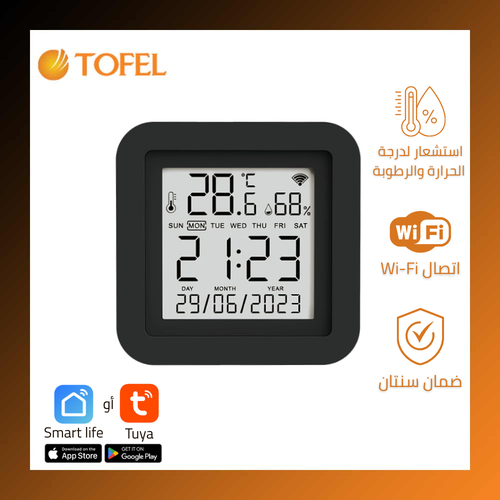
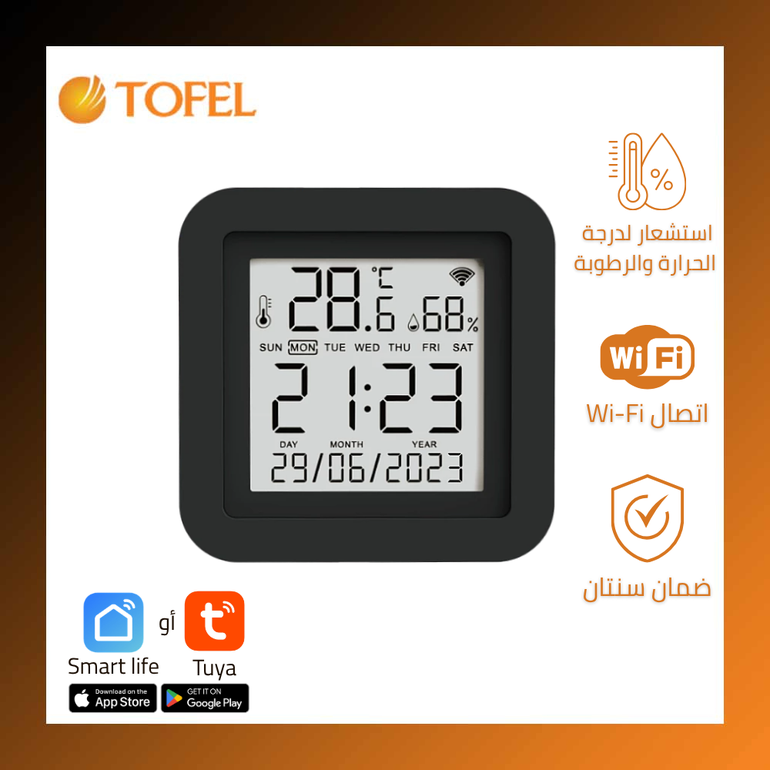
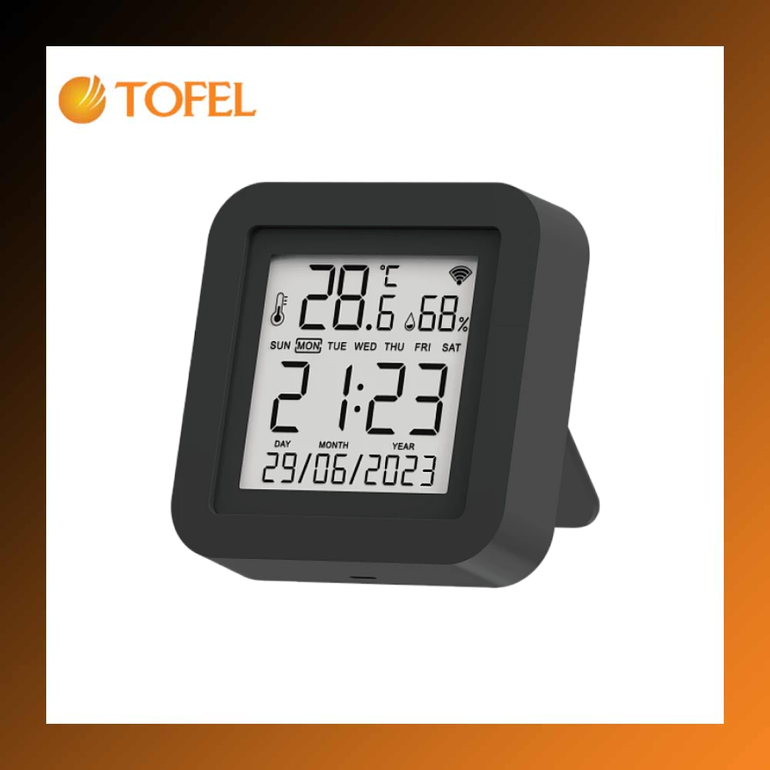
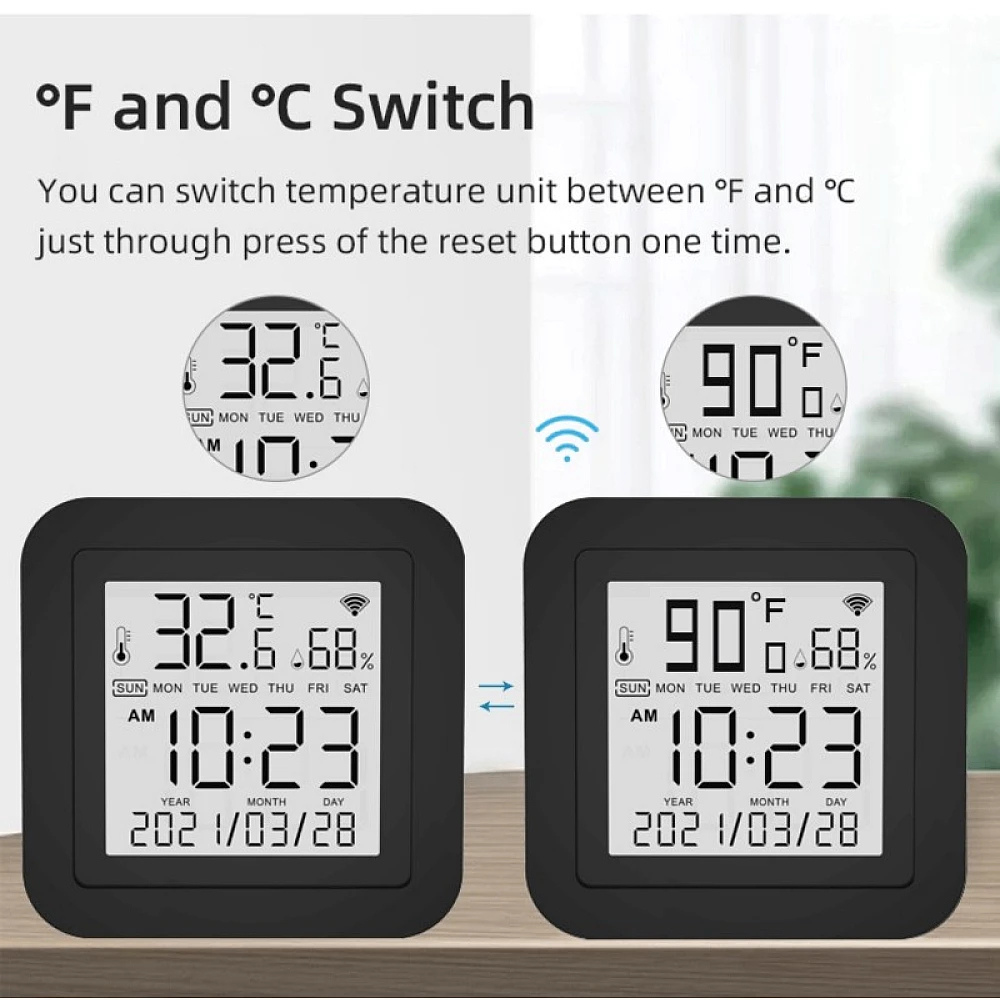
Smart Wi-Fi Temperature Sensor with Infrared Control
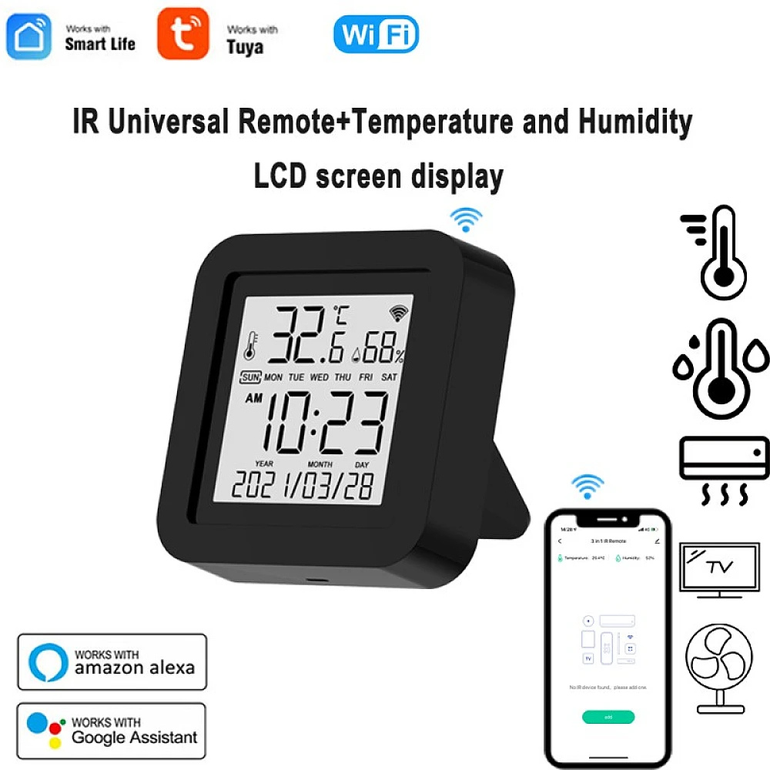
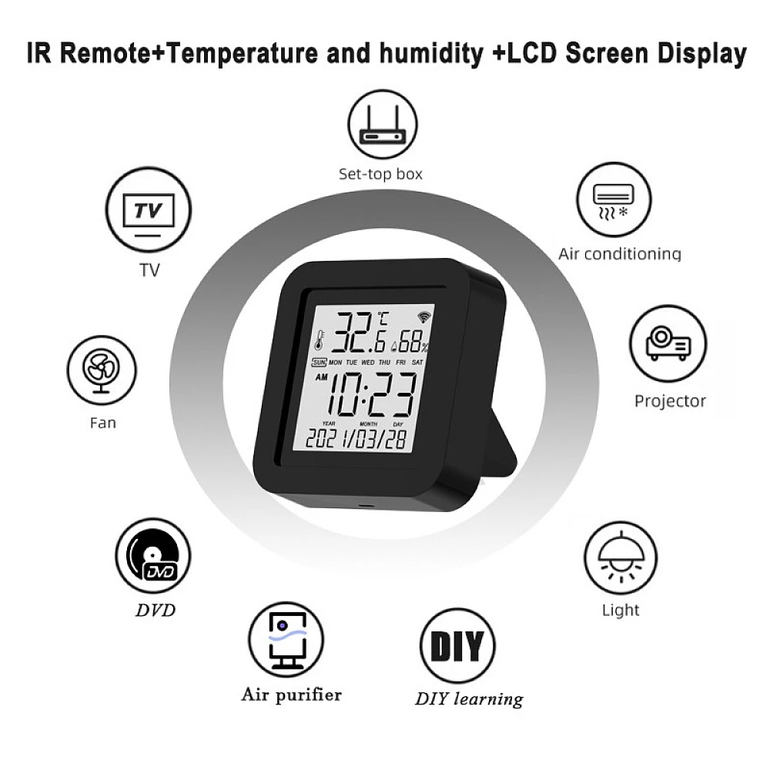
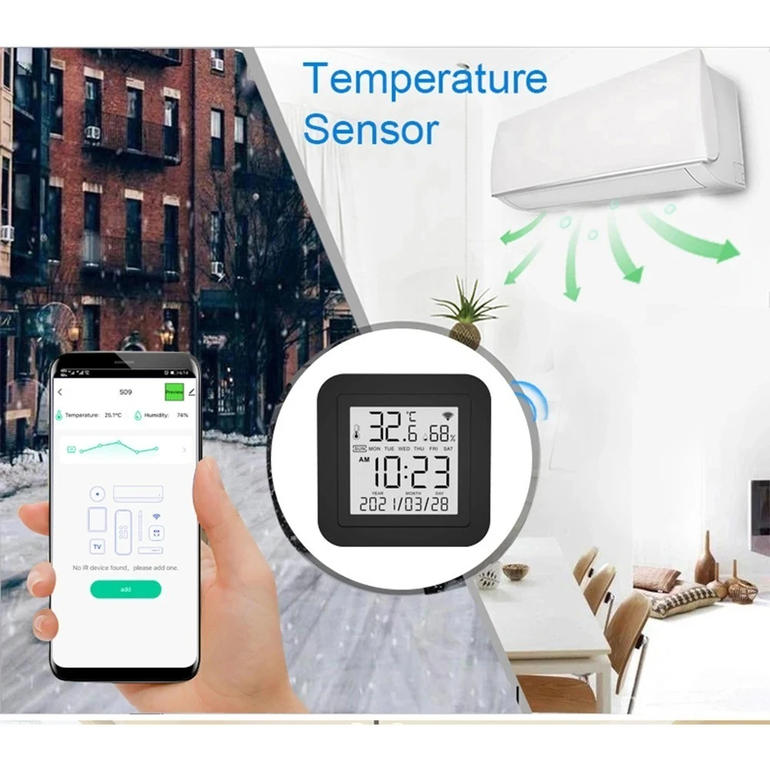
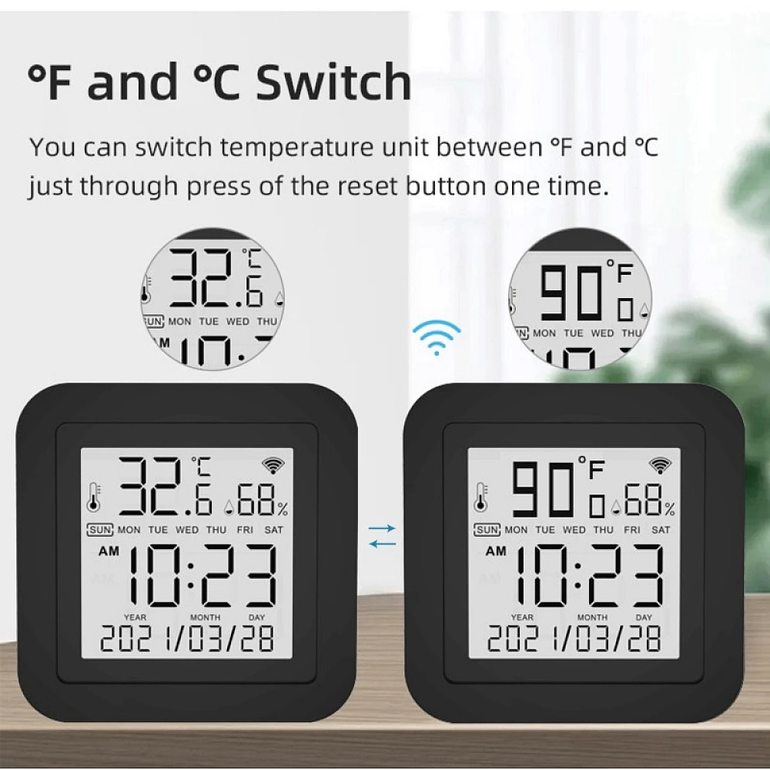
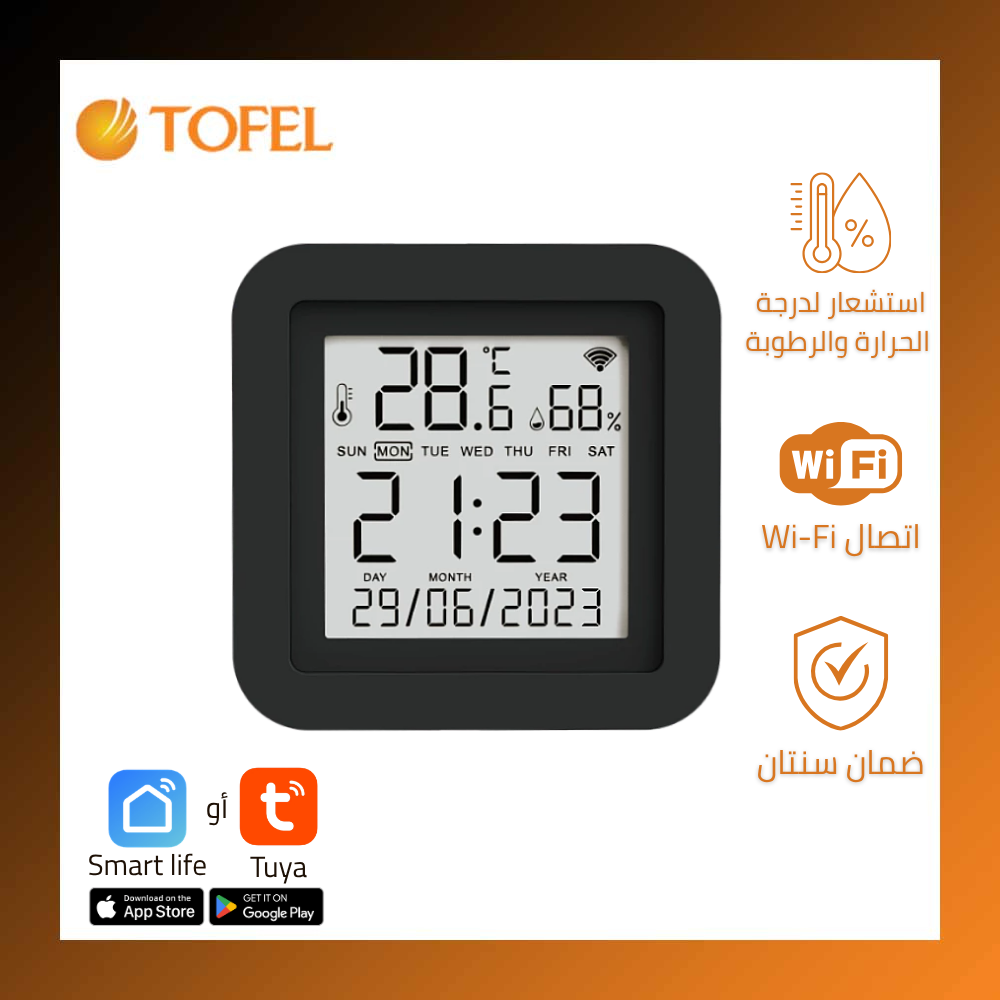
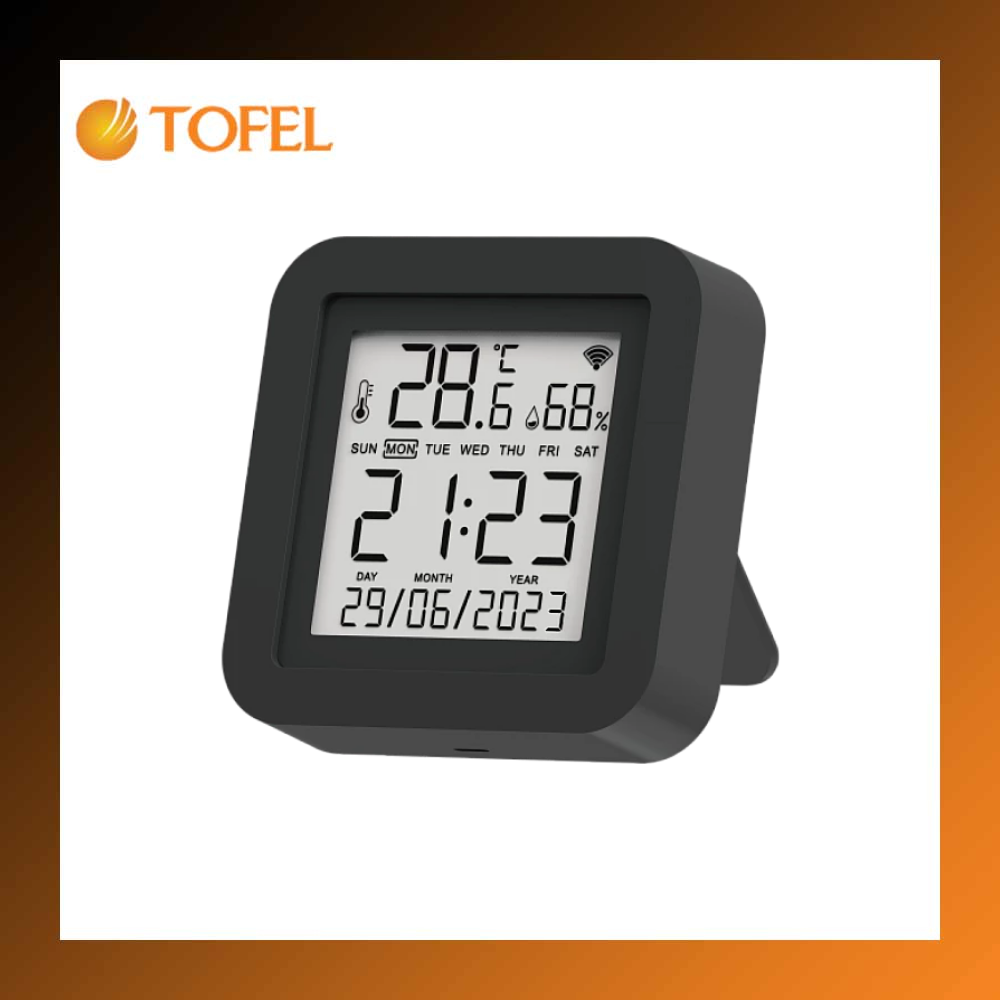
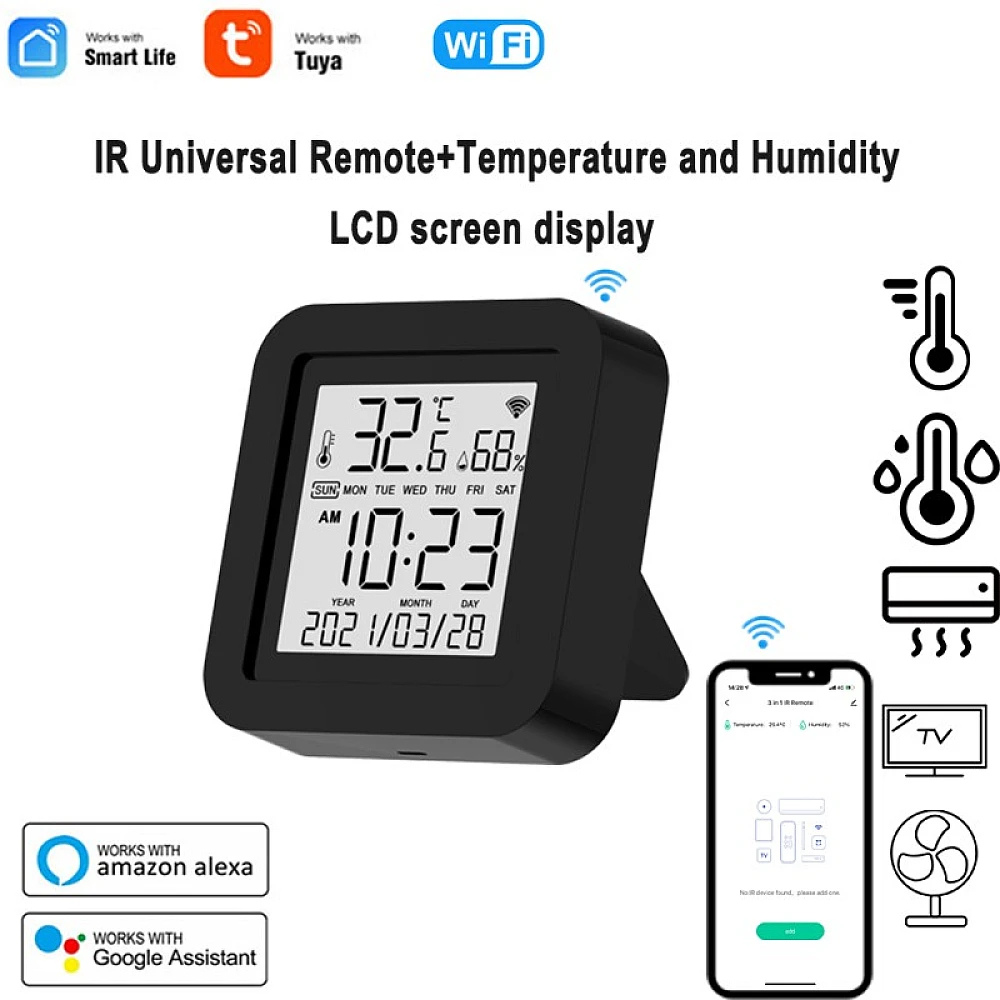
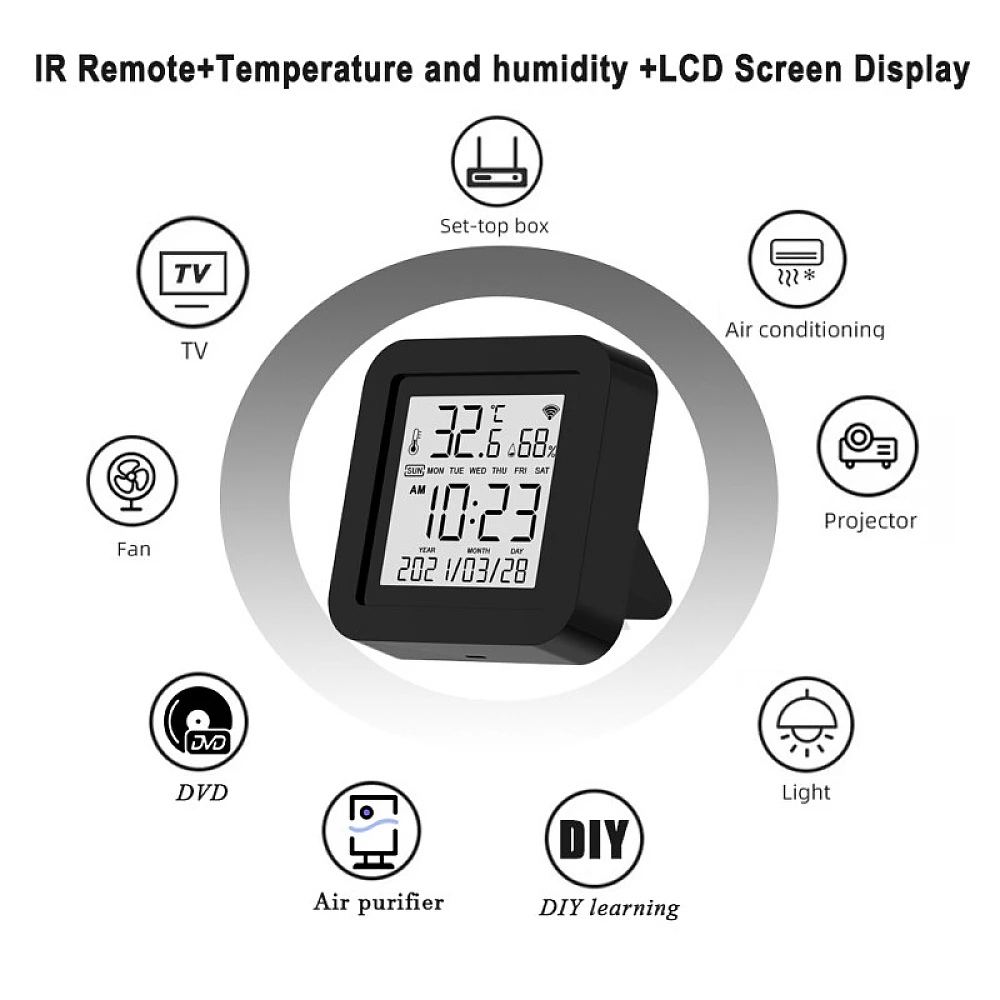
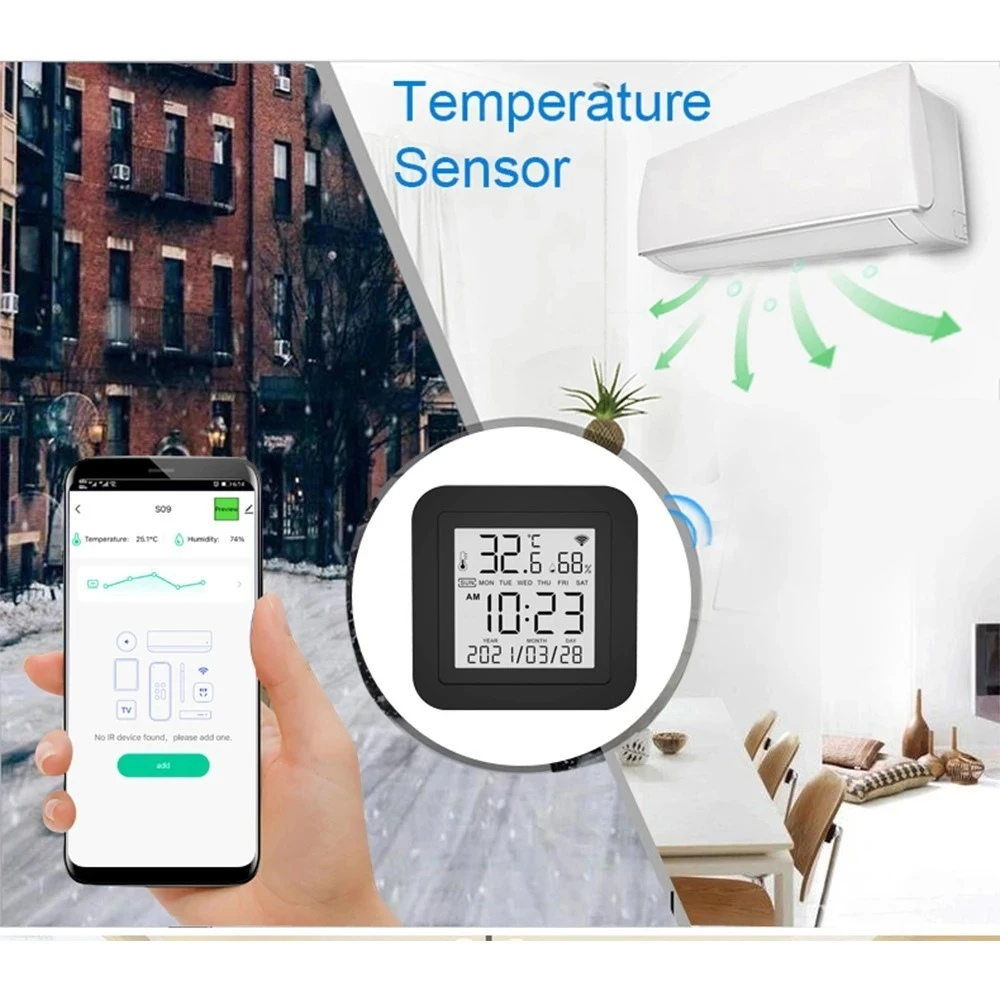
A multifunctional smart sensor designed to enhance comfort and control your home environment. It operates via Wi-Fi and supports remote control through infrared signals, making it ideal for managing air conditioners and other smart devices.
Features:
- Accurate temperature and humidity detection to improve indoor air quality
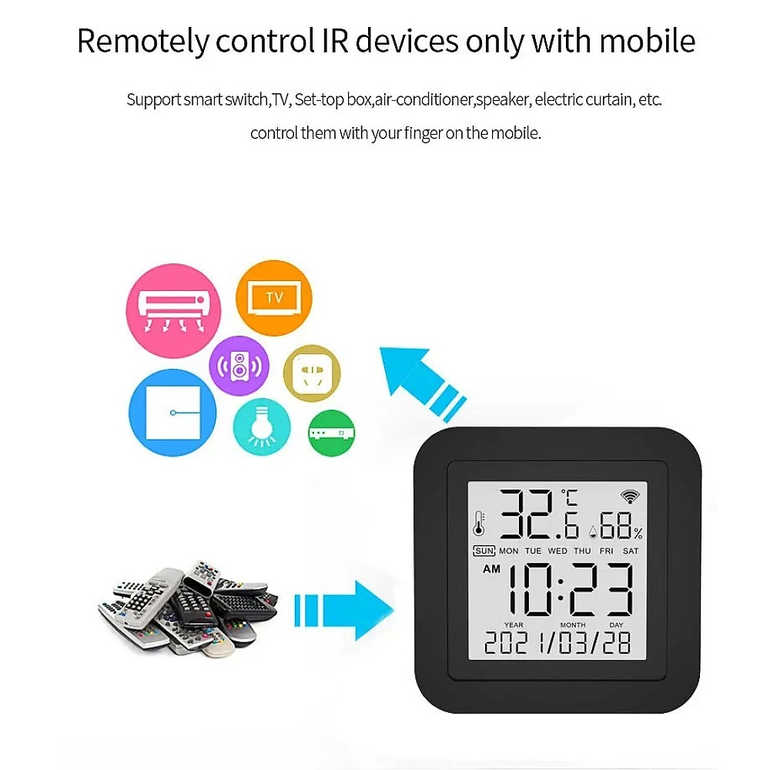
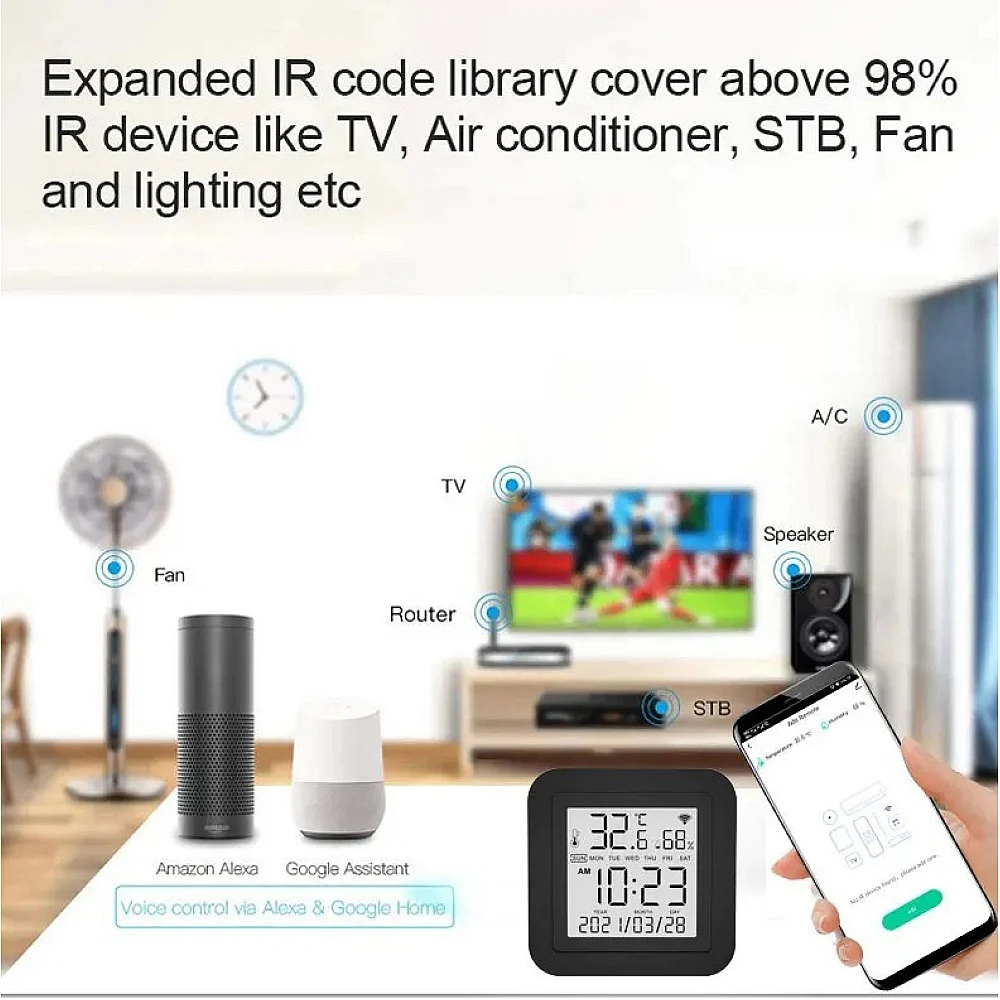
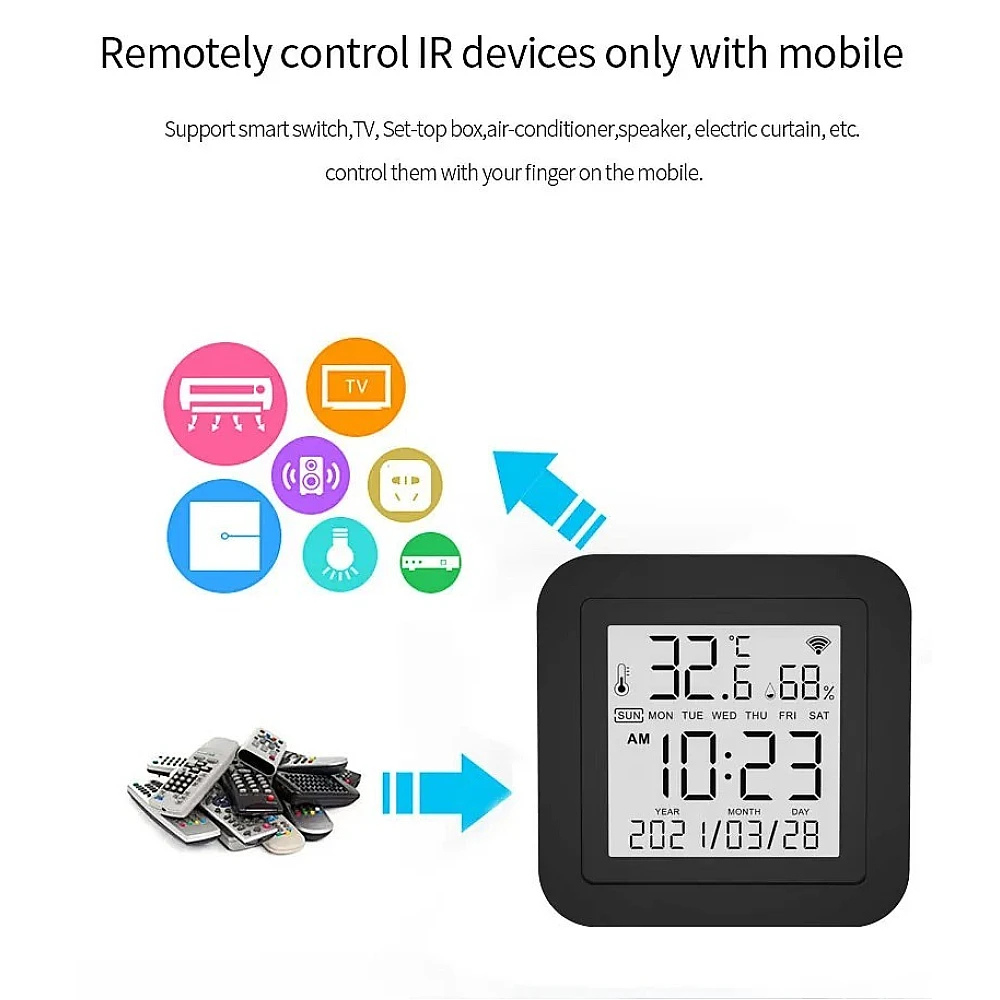
- Infrared remote control to turn compatible devices on/off
- Wi-Fi connectivity for syncing with smart home apps
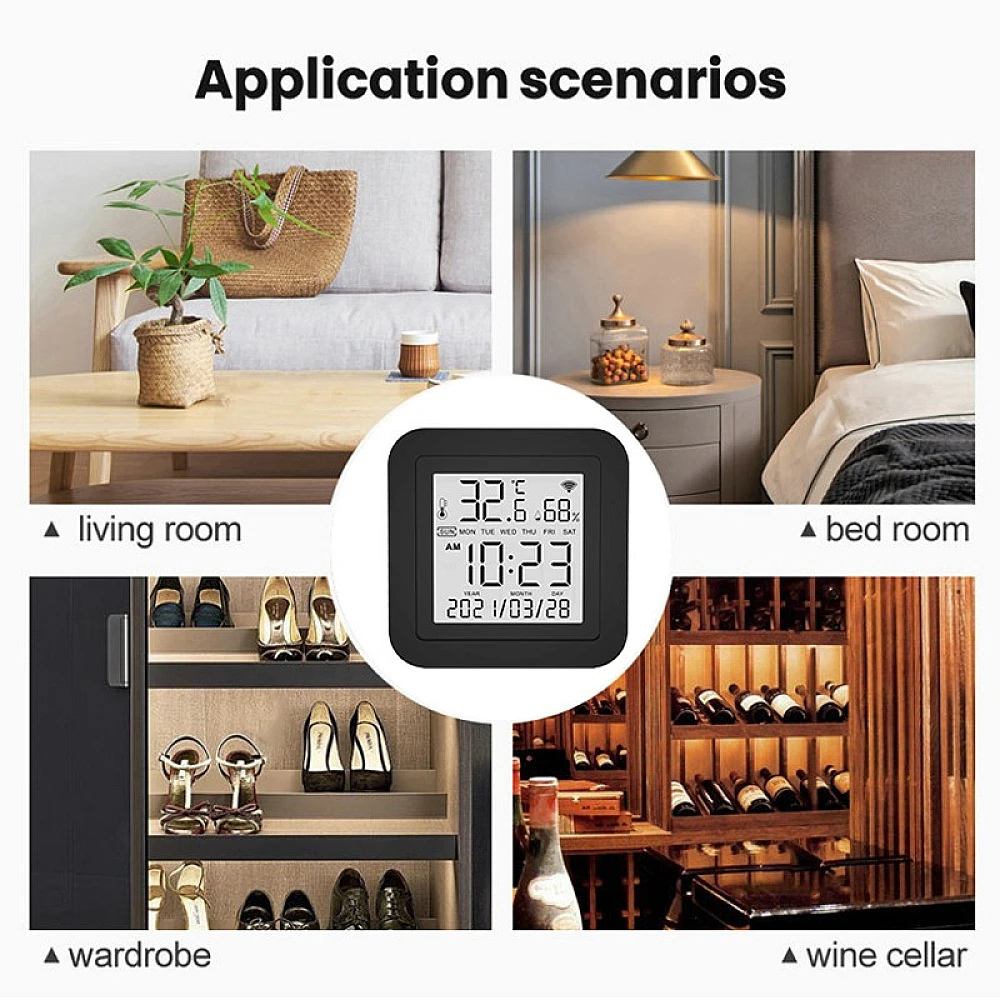
- Compact and elegant design that suits various décor styles
- Easy installation and use without the need for extra equipment
Smart Integration:
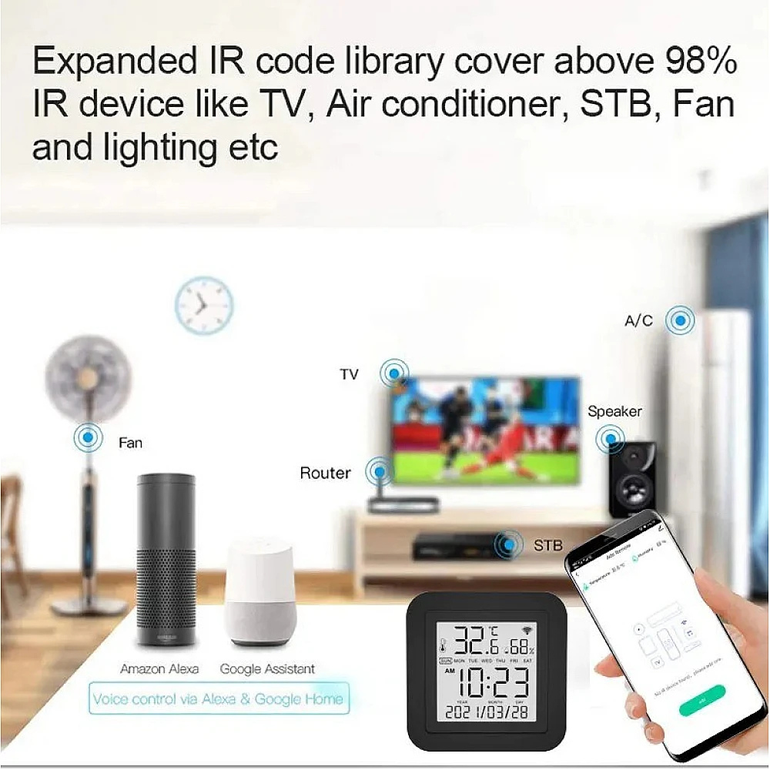
- Supports control via smartphone apps
- Compatible with smart home systems like Google Home and Amazon Alexa
Step-by-Step Setup Guide
1. Download the required app
- For Android: Search for "Smart Life" or "Tuya Smart" on Google Play
- For iPhone: Search for "Smart Life" on the App Store
- Alternative: Use the "Tuya Smart" app (equally effective)
2. Device setup
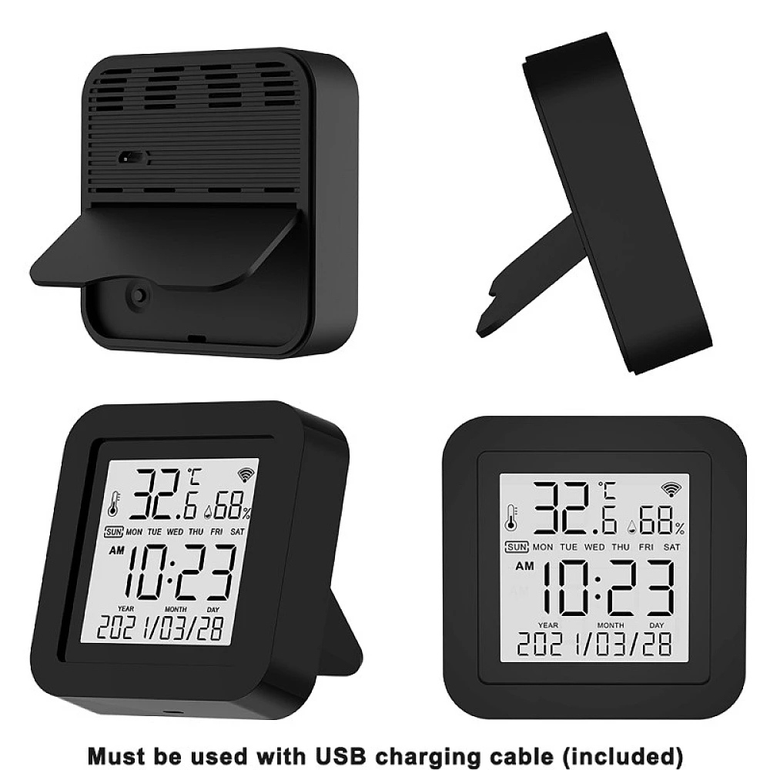
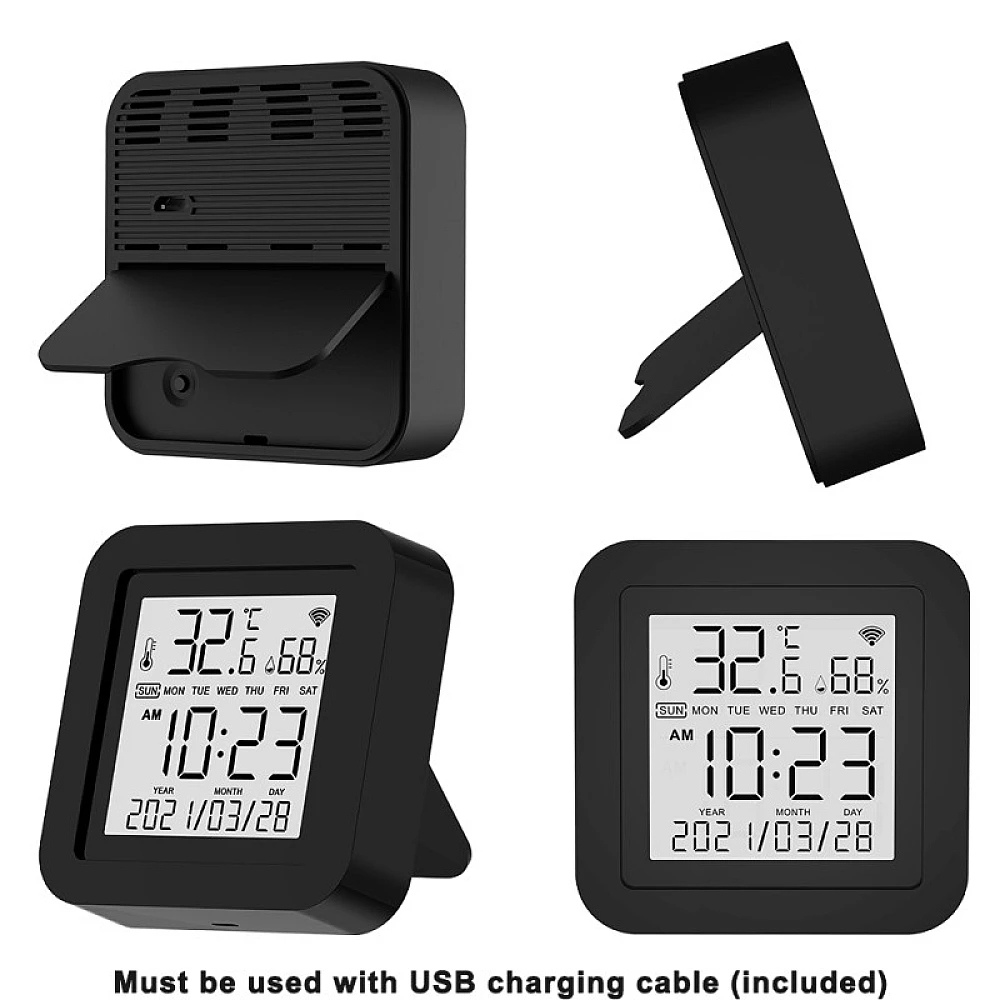
- Connect the smart remote to a power source using the included USB cable
- Wait until the indicator light flashes blue rapidly
3. Pairing with the app
- Open the Smart Life app
- Tap the (+) icon at the top of the screen
- Select "Add Device" then "IR Remote Controller"
- Choose your 2.4GHz Wi-Fi network and enter the password
- Follow the instructions to complete pairing
Adding Devices to the Smart Remote
To add an air conditioner:
- Tap "Add Air Conditioner" in the app
- Select the brand (e.g., LG, Samsung, Carrier)
- Tap "Test" to verify signal functionality
- Save the device with a custom name (e.g., "Living Room AC")
To add a TV or satellite box:
- Choose "Add TV" or "Add STB"
- Select the brand (e.g., Sony, Samsung, OSN)
- Test the buttons to confirm functionality
- Save the device with a suitable name
Voice Assistant Integration
With Google Assistant:
- Open the Google Home app
- Tap "+" then "Set up device"
- Choose "Works with Google"
- Search for "Smart Life" or "Tuya Smart"
- Log in with your app account
- Say: “OK Google, turn on the air conditioner”
With Amazon Alexa:
- Open the Alexa app
- Go to "Skills & Games"
- Search for "Smart Life" or "Tuya"
- Log in with your app account
- Say: “Alexa, turn on the TV”
Additional Smart Features
1. Scheduling
- Set the air conditioner to turn on an hour before you arrive home
- Program the TV to turn off automatically at midnight
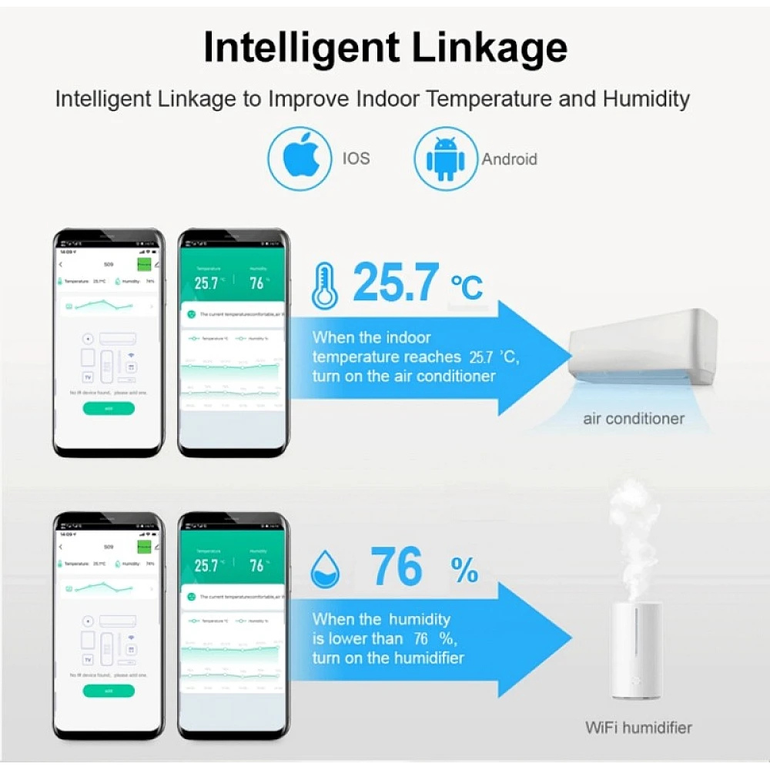
2. IFTTT Scenarios (If This Then That)
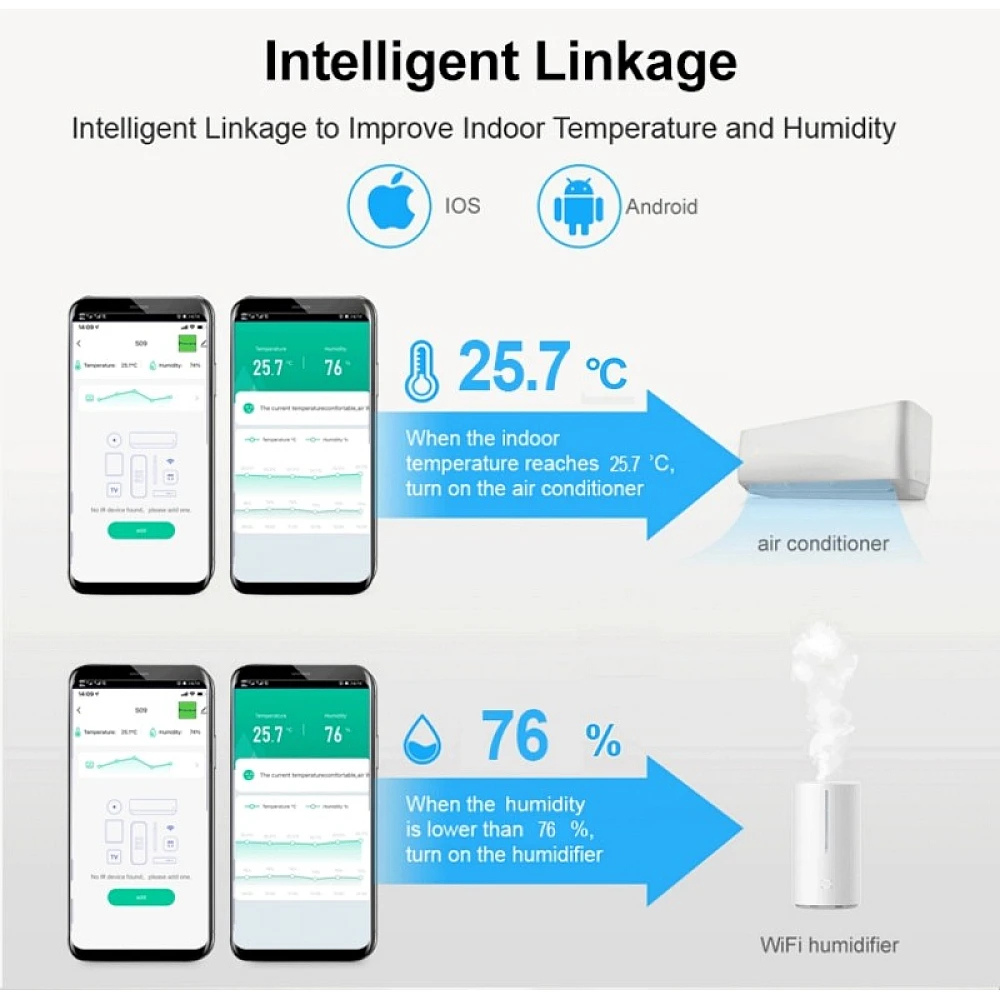
- If the temperature exceeds 30°C, turn on the air conditioner
- If the sun sets, turn on the lights and TV
3. Shared Control
- Share device control with family members via the app
- Set different permissions for each user