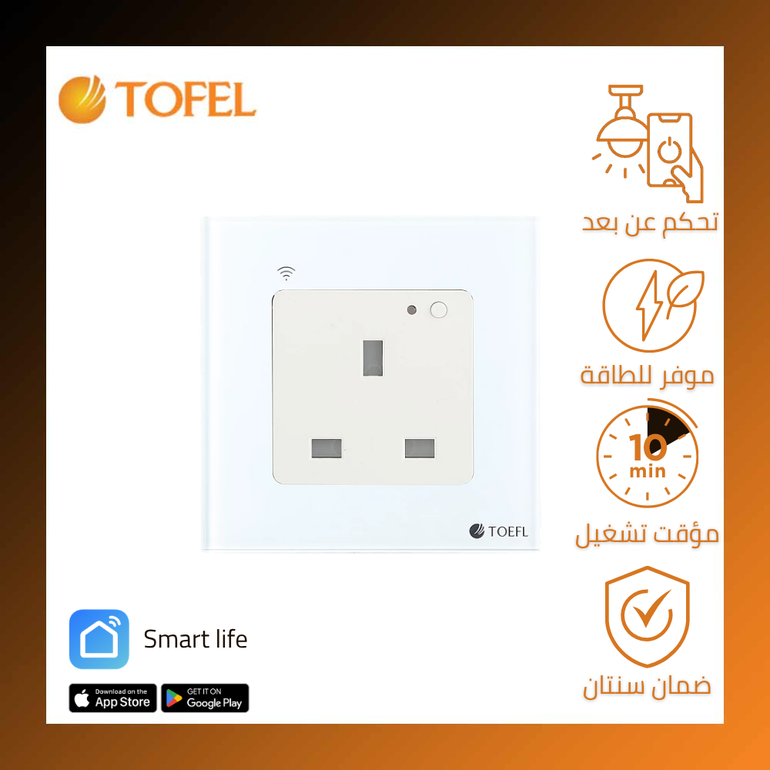
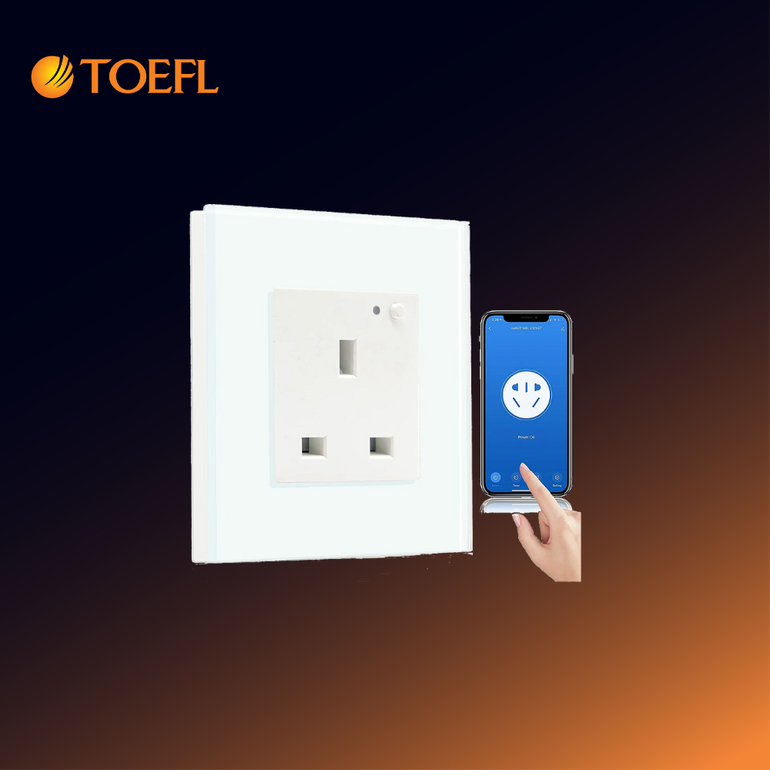
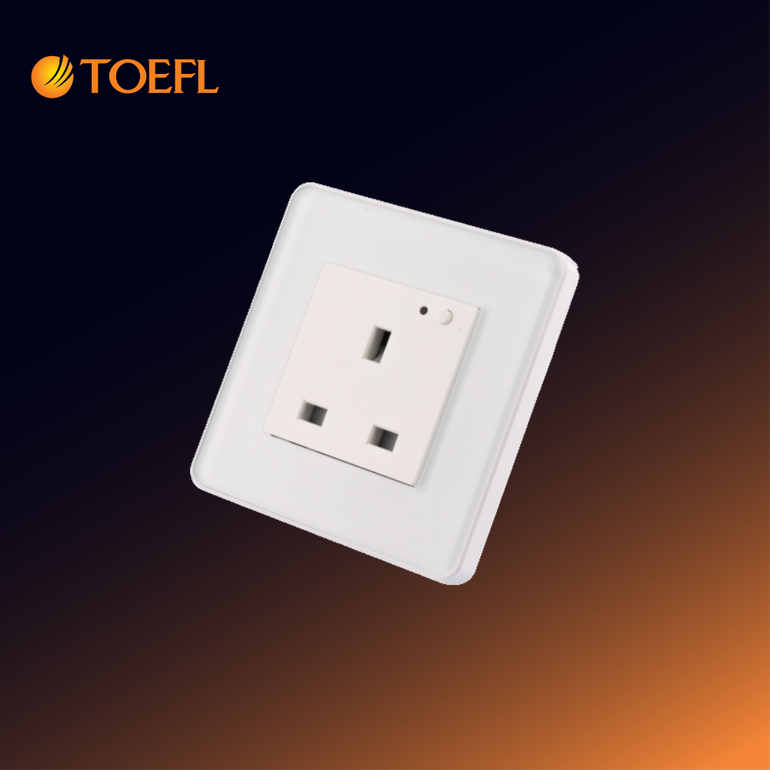
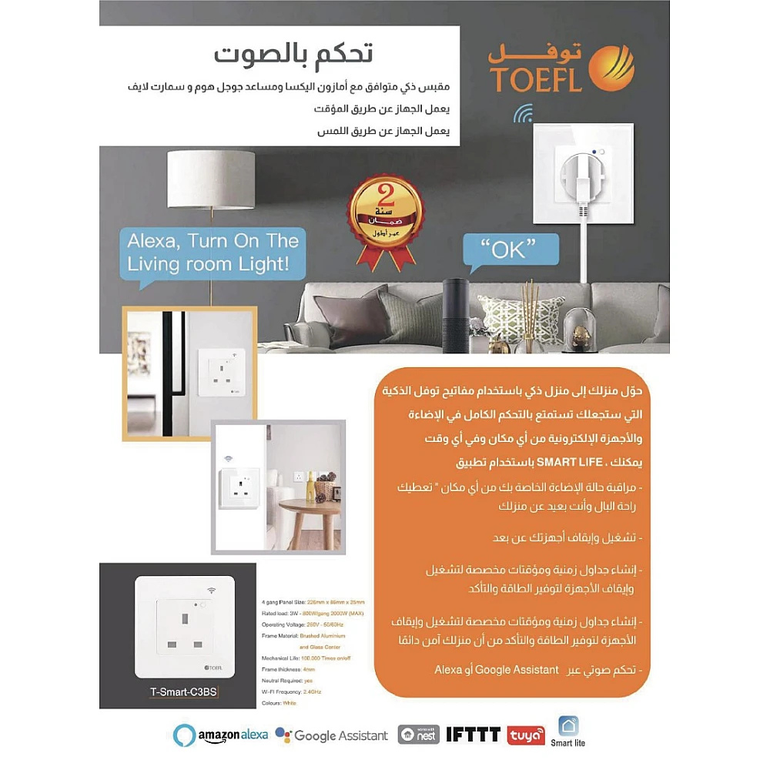
Why Choose the T-Smart-C3BS Smart Socket?
Upgrade your daily life with a smart socket that transforms your ordinary home into a fully integrated smart environment. Whether you're at home, at work, or on vacation, you can control all your electrical devices with a single tap from your smartphone.
Features That Will Change Your Lifestyle
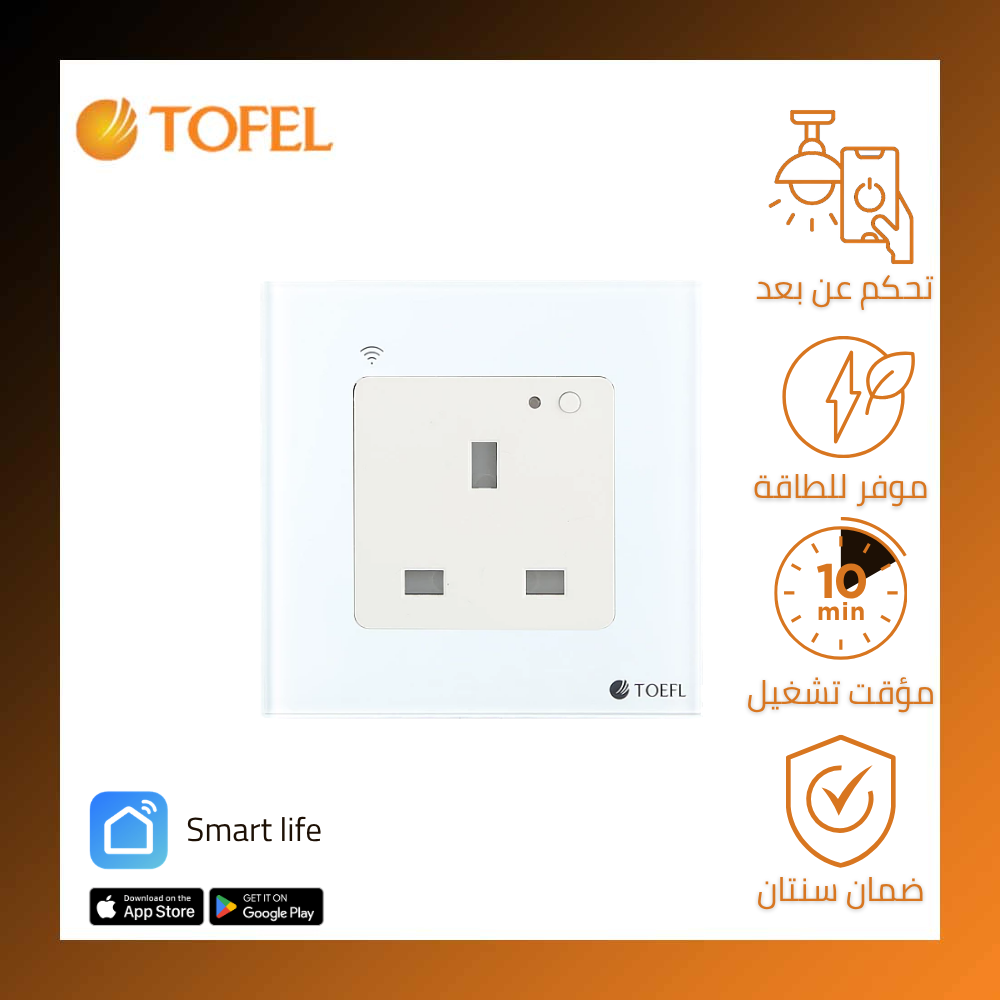
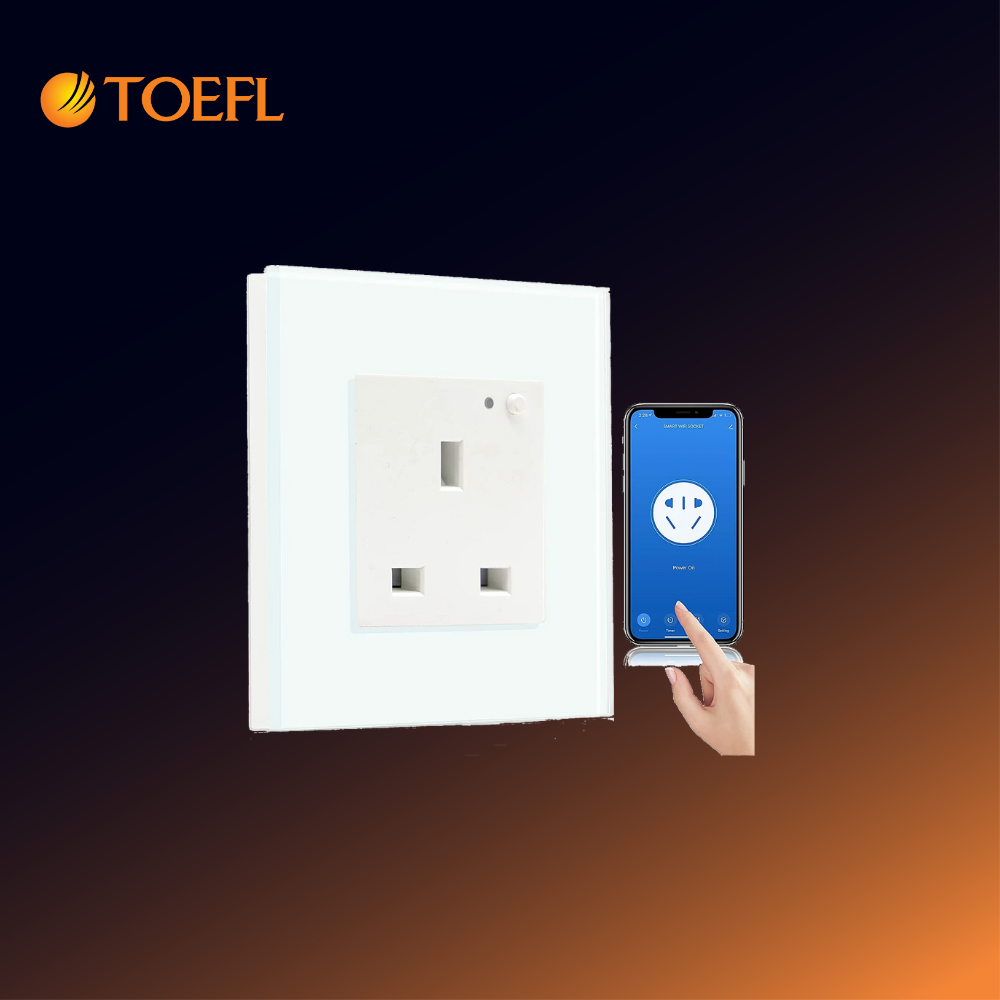
- Smart remote control: Turn any electrical device on or off from anywhere in the world via the mobile app
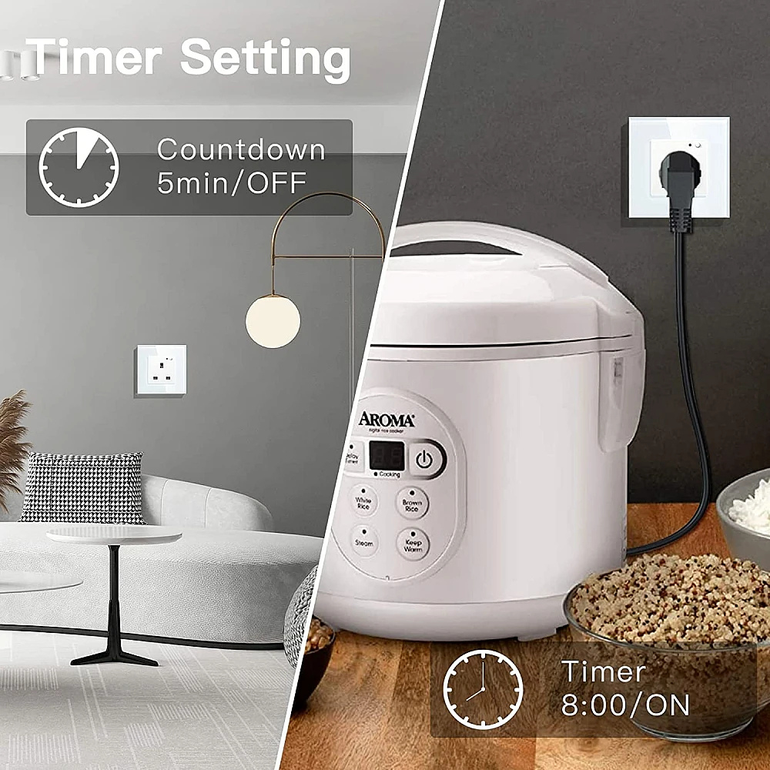
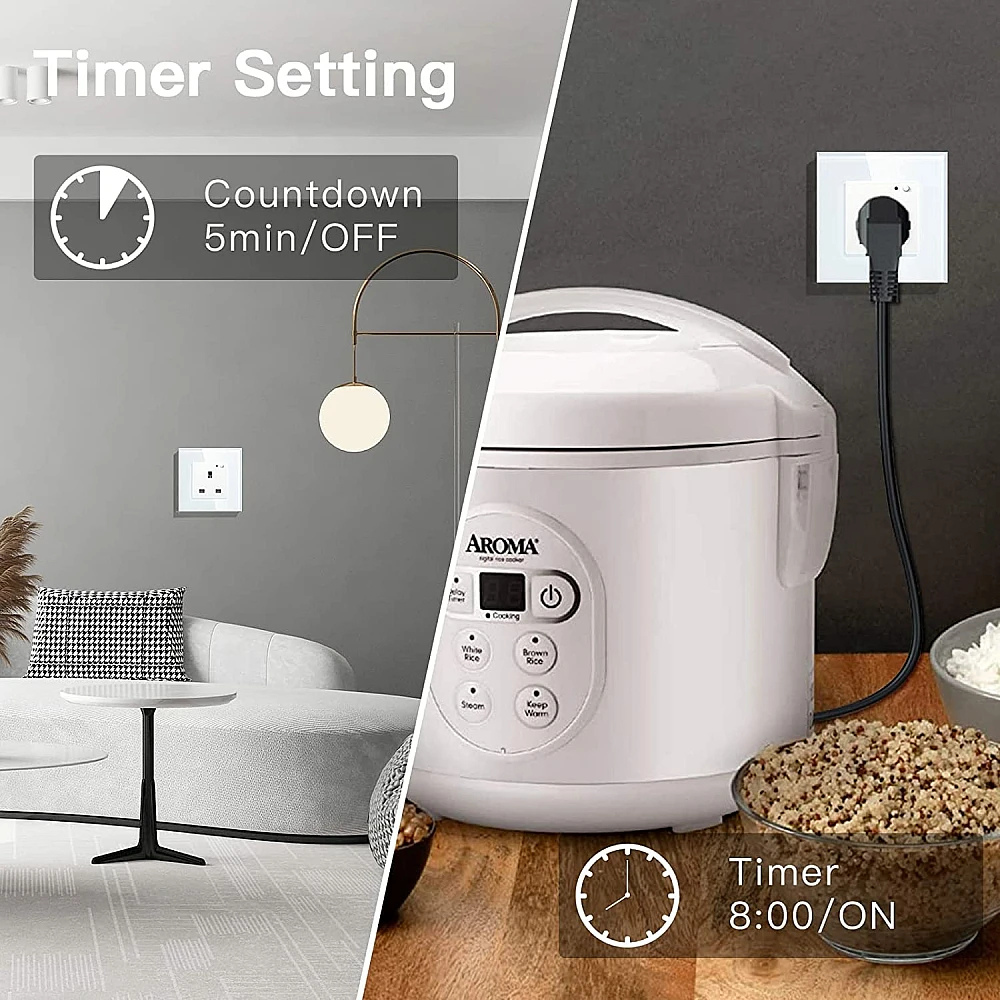
- Intelligent energy saving: Set schedules to automate device operation and reduce electricity bills
- Enhanced security: Simulate presence while traveling by automatically turning lights on and off
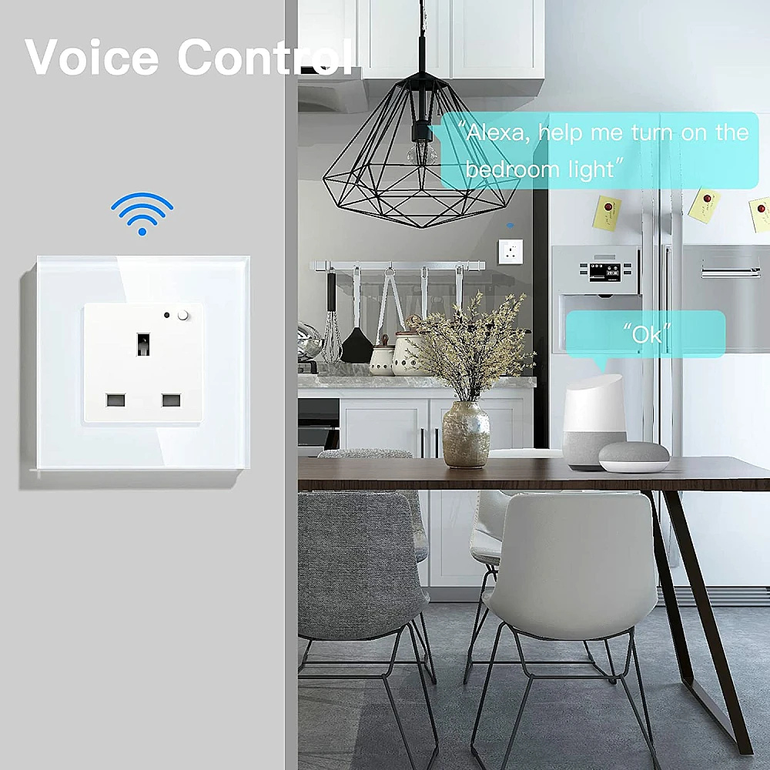
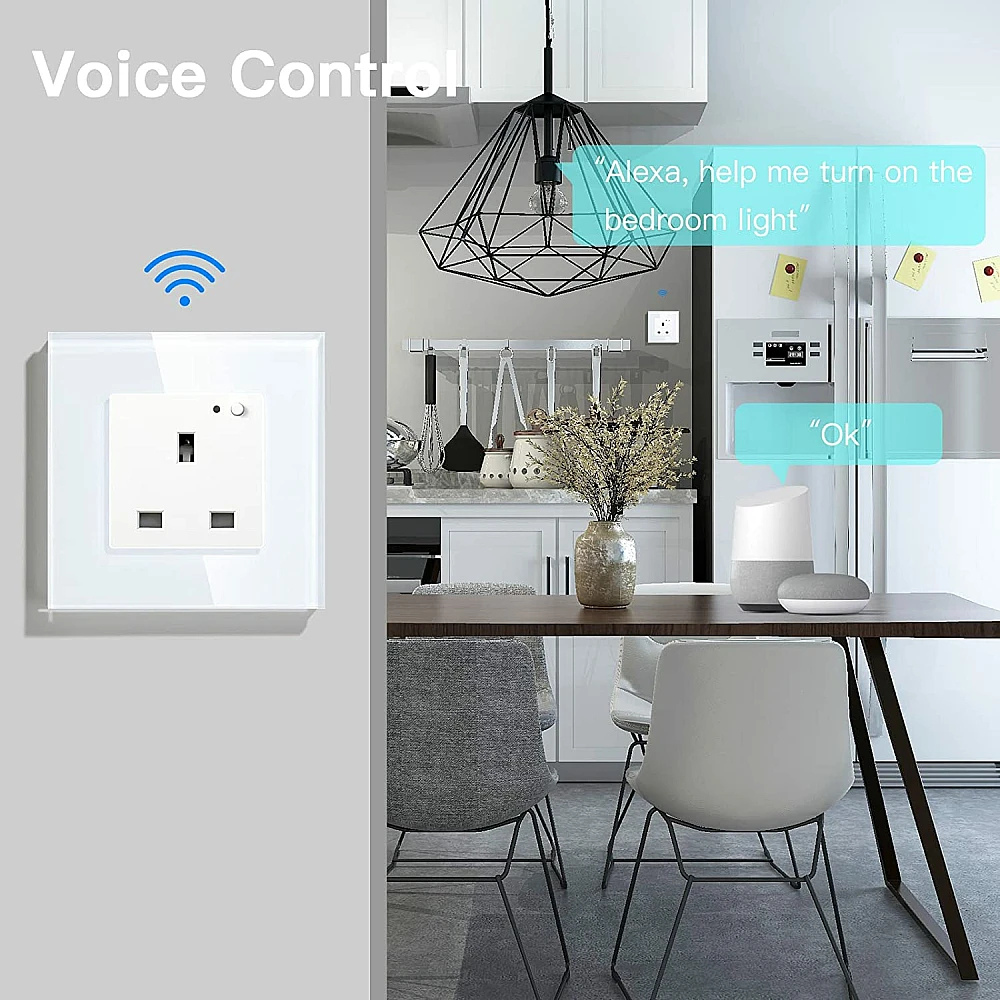
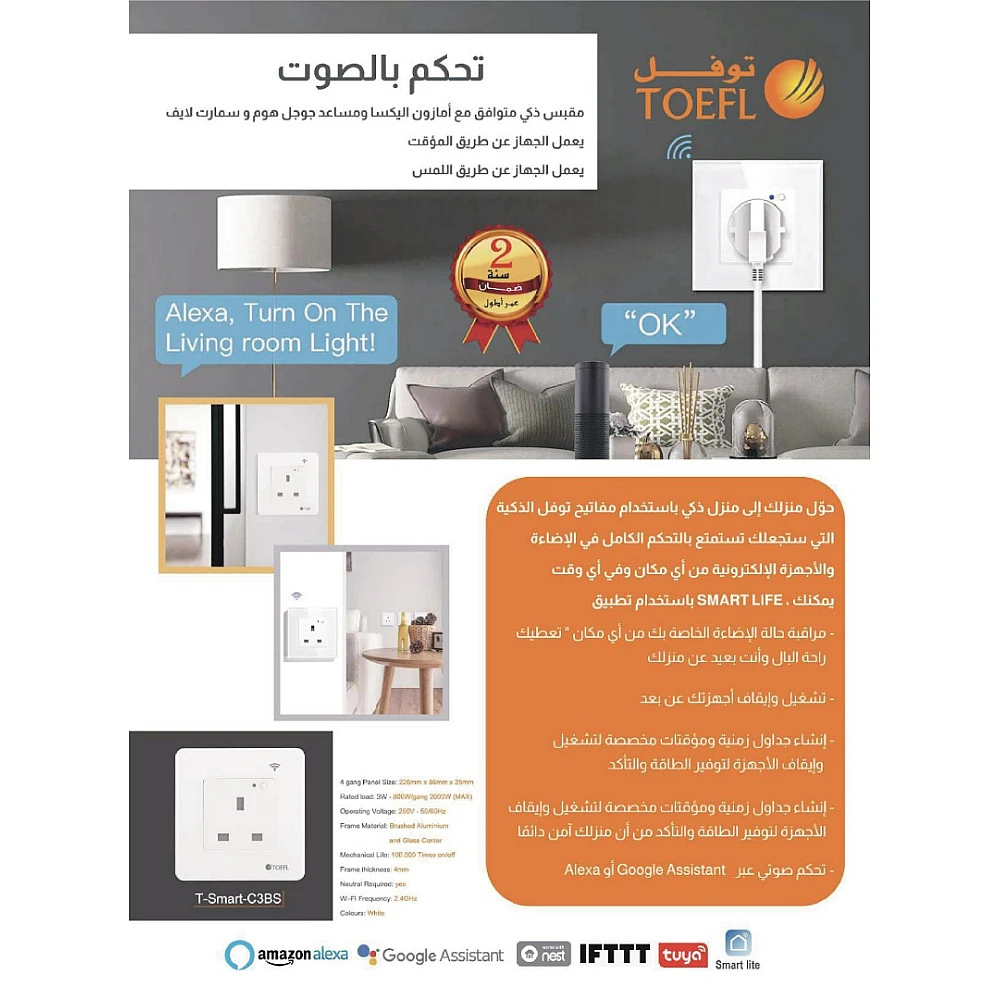
- Smart home integration: Control the socket using voice commands via Amazon Alexa or Google Assistant
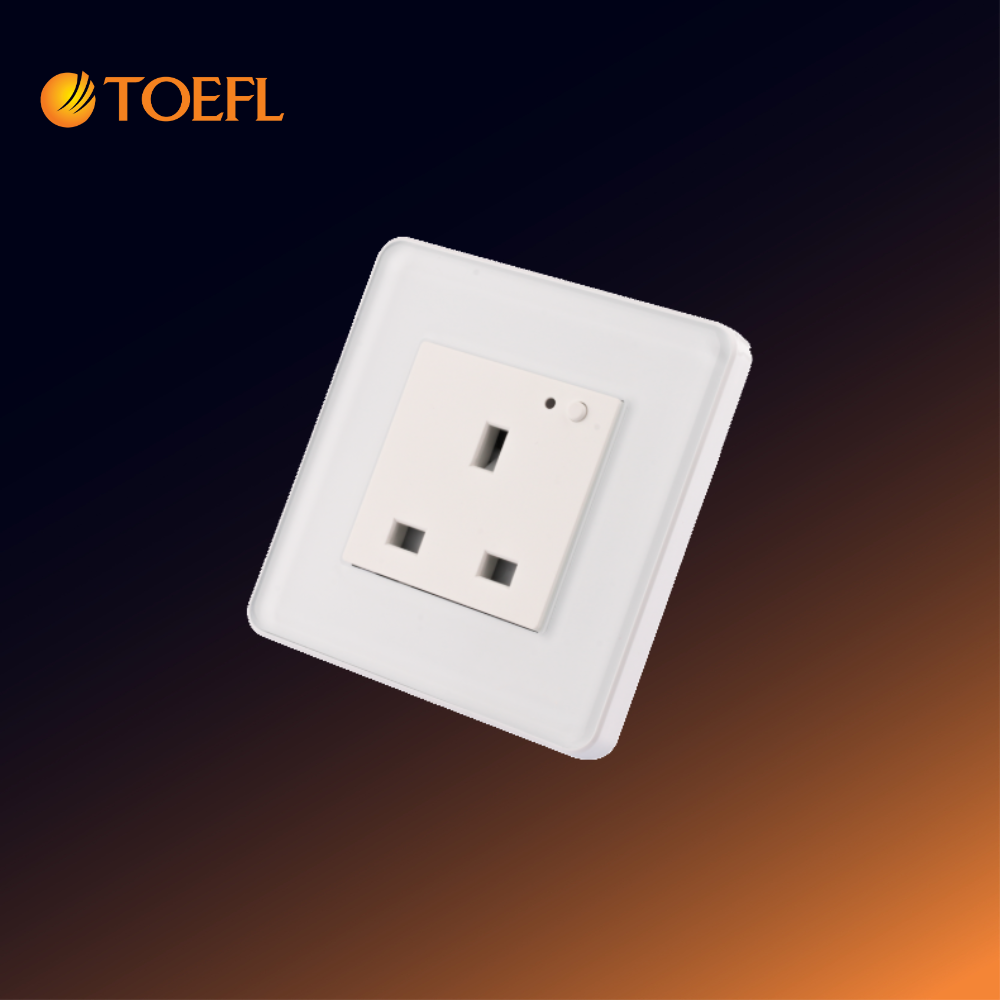
- Elegant design: Modern touch screen that complements any home décor
Invaluable Benefits
- No more worries about forgetting to turn off the iron or water heater
- Protect your children from playing with electrical outlets
- Smart management of home appliances such as washing machines, heaters, lighting, and TVs
- Save up to 30 percent on electricity consumption thanks to smart features
Important Safety Warnings
- Must be installed by a qualified electrician
- Turn off power completely before installation
- Do not exceed the maximum load (1000W)
- Not suitable for heavy motorized devices
- Avoid humid or water-exposed areas
Step-by-Step Installation Guide
Required Tools
- Insulated screwdriver
- Voltage tester
- Insulated pliers
Installation Steps
- Turn off power from the main breaker
- Carefully remove the old socket
- Make the connections:
- Brown wire (Phase/Live) → L terminal
- Blue wire (Neutral) → N terminal
- Green/Yellow wire (Earth) → Earth terminal
- Secure the smart socket into the wall box
- Restore power and test the setup
Setting Up the Smart Life (Tuya) App
- Download the app from Google Play or App Store
- Create an account or log in
- Tap (+) to add a new device
- Select "Socket" then "Wi-Fi Smart Socket"
- Follow the instructions:
- Enter your 2.4GHz Wi-Fi network credentials
- Press the socket button for 5 seconds until the LED flashes
- Name the device (e.g., "TV Socket")
Features and Uses
- Remote control of electrical devices
- Scheduled on/off automation
- Energy consumption monitoring (if supported by the app)
- Smart home integration (Alexa/Google Home)
- Device protection from sudden power restoration
Troubleshooting
If connection fails:
- Ensure you're using a 2.4GHz Wi-Fi network
- Move the socket closer to the router
- Restart the app
Factory Reset
Press and hold the power button for 10 seconds until the LED flashes three times
Specifications – T-Smart-C3BS Smart Wall Socket
Property
|
Details
|
| Model Number |
T-Smart-C3BS |
| Product Type |
Smart Wall Socket (Smart Electrical Outlet) |
| Rated Voltage |
250V ~ 50/60Hz |
| Maximum Current |
13 Amperes |
| Load Capacity |
1000 Watts |
| Operation Type |
Touch Control |
| Wi-Fi Standard |
IEEE 802.11 b/g/n (2.4GHz only) |
| Power Consumption |
≤ 0.2 Watts |
| Operating Temperature |
-20°C to +70°C |
| Operating Humidity |
Up to 95% (non-condensing) |
| Compatibility |
iOS and Android + Amazon Alexa and Google Home |