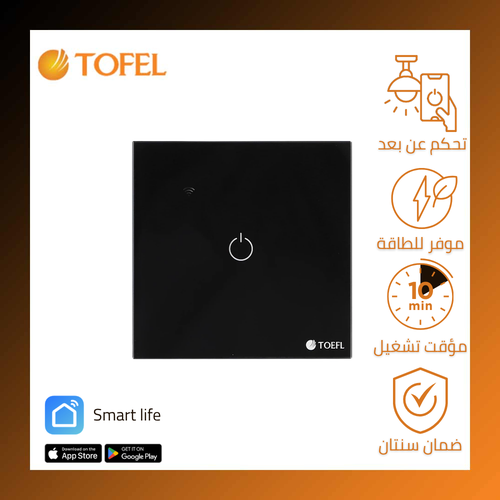
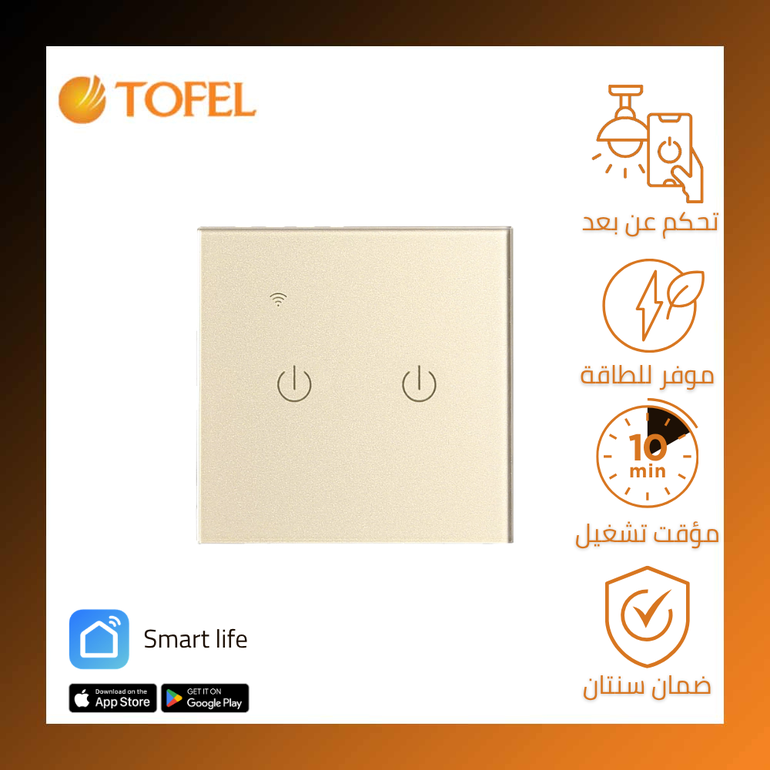
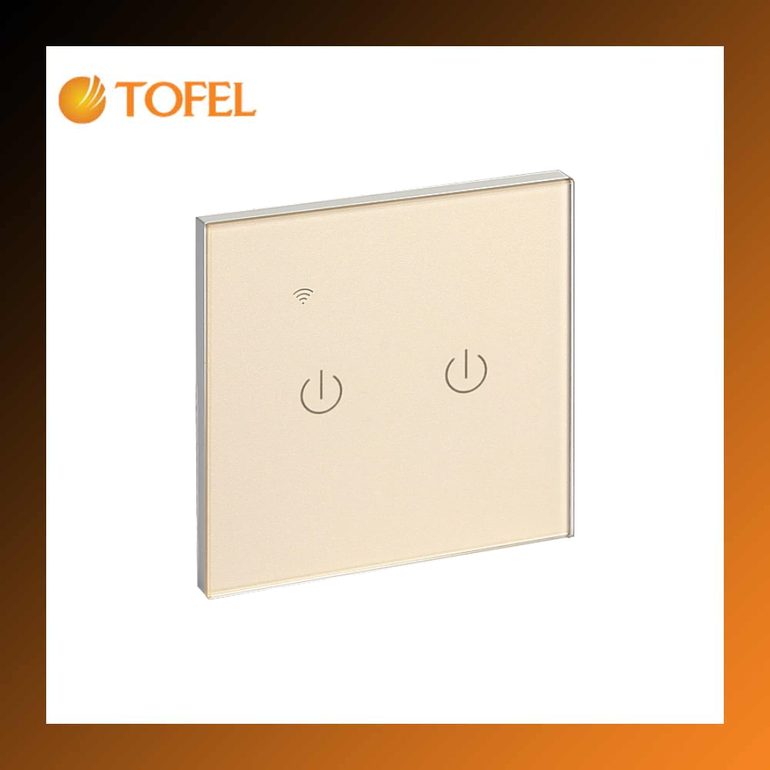
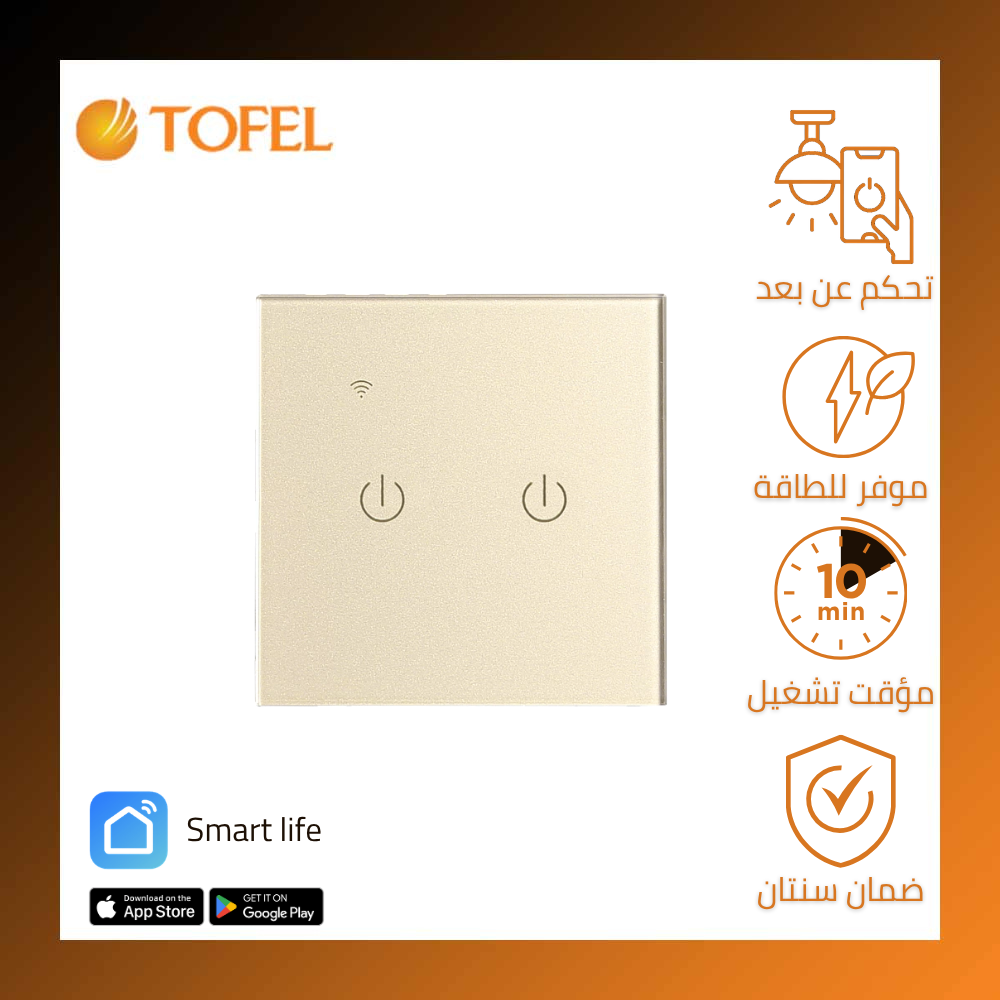
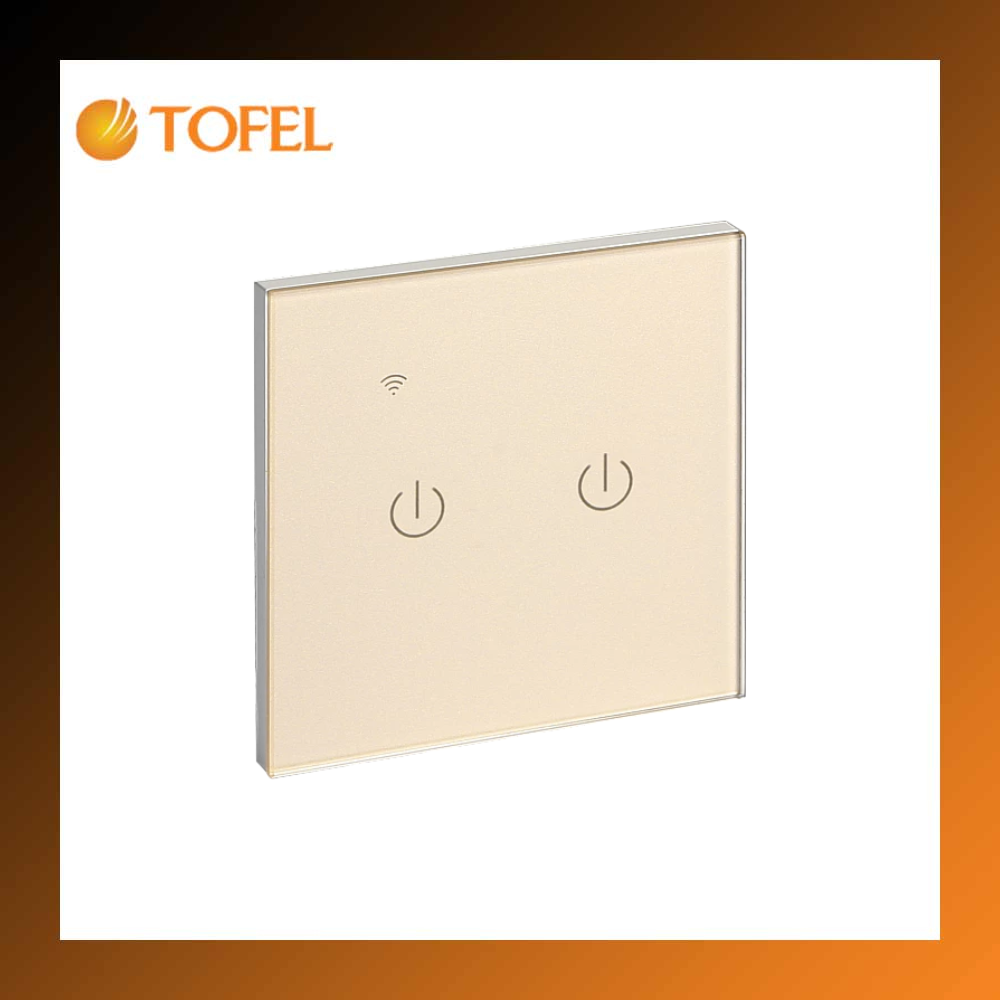
Why Choose the Smart Light Switch?
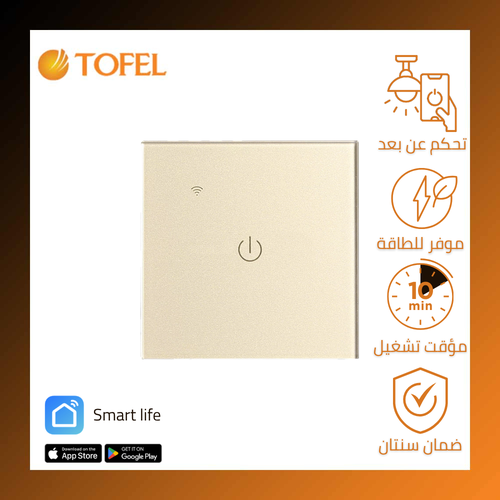
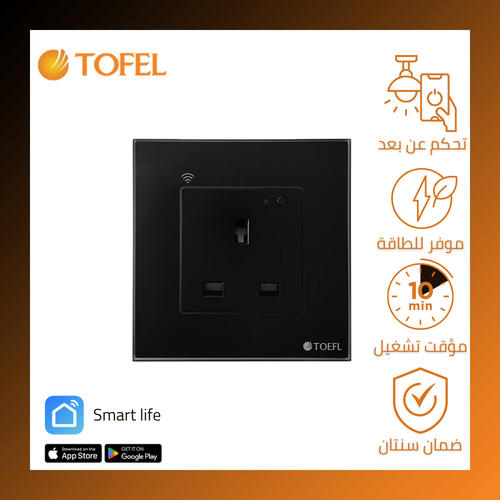
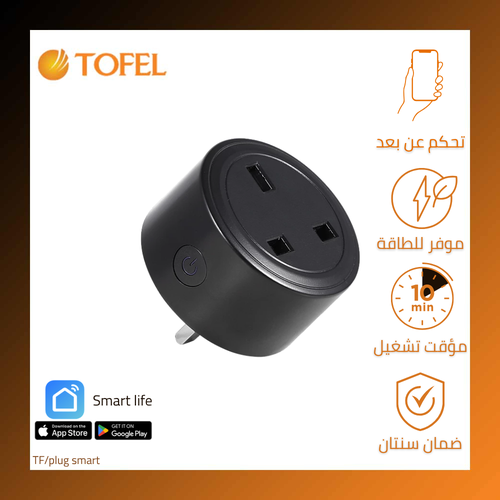
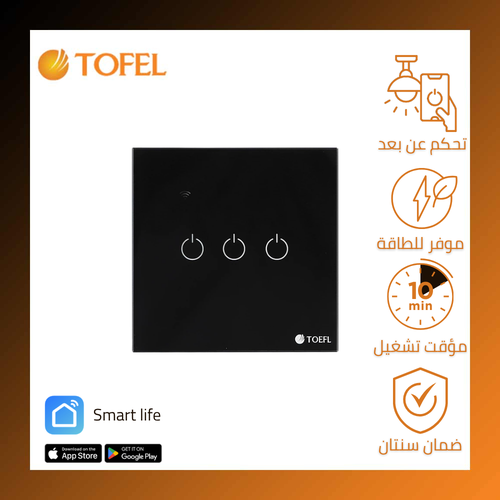
The Smart Light Switch is the ideal solution for controlling your home or office lighting intelligently and conveniently. It allows you to manage lights remotely via smartphone or voice commands, monitor energy consumption, and schedule lighting times whether you are at home or away. With its elegant touch design, you can control lights directly by touch, through your mobile app, or via voice assistants such as Smart Life, Alexa, and Google Assistant.
Key Features
- Smart remote control – Turn lights on/off from anywhere using your smartphone
- Voice assistant integration – Compatible with Amazon Alexa, Google Home, and Smart Life
- Easy installation – No rewiring required, simple touch system
- Energy saving – Ultra-low standby consumption (≤0.2W)
- Versatile use – Supports loads up to 1000W per switch (lamps, LEDs, fans, etc.)
- Durable performance – Operates in temperatures from -20°C to 70°C and humidity up to 95%
Benefits and Applications
- Remote control from anywhere in the world
- Automatic scheduling for on/off lighting
- Smart home integration (Alexa/Google Home)
- Energy efficiency through precise consumption control
Safety Instructions
- Must be installed by a qualified electrician – improper handling of electricity can cause shocks or fire
- Switch off power completely before installation
- Do not exceed maximum load (1000W per switch)
- Keep away from water or damp areas
- Avoid pressing too hard on the touch panel
Step-by-Step Installation Guide
Required Tools: Insulated screwdriver, insulated pliers, voltage tester
Steps:
- Turn off power from the main breaker
- Carefully remove the old switch
- Connect wires:
- Brown (Phase/Live) → L input
- Blue (Neutral) → N input
- Black (Load) → L1/L2 output
- Fix the switch into the wall box
- Restore power and test operation
Smart Life (Tuya) App Setup
- Download the app from Google Play or App Store
- Create an account or log in
- Tap (+) to add a new device
- Select “Switch” → “Wi-Fi Smart Switch”
- Follow instructions:
- Enter 2.4GHz Wi-Fi credentials
- Press the switch button for 5 seconds until LED blinks
- Name the device (e.g., “Living Room Lights”)
Troubleshooting
- If connection fails:
- Ensure 2.4GHz Wi-Fi
- Place switch closer to router
- Restart the app
- Factory reset: Hold power button for 10 seconds until LED blinks 3 times
Specifications
| Item |
Details |
| Switch Type |
Dual switch |
| Product Dimensions |
7 × 7 cm |
| Installation Type |
Wall recessed |
| Cover Color |
Golden |
| Warranty |
2 years |
| Compliance |
Certified for Saudi & Gulf standards |